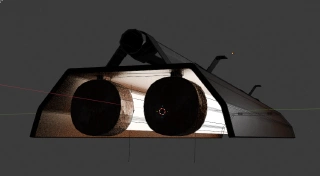
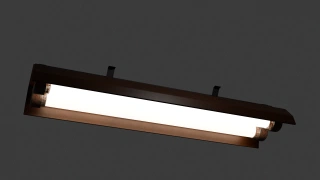
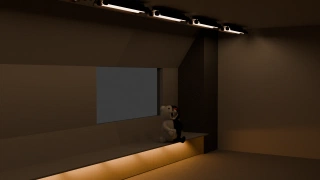
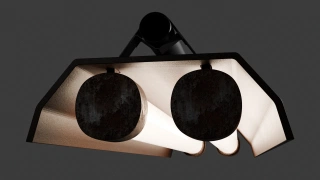
Did I spend the last 4h modeling a neon with ceiling fixture and parametrable Light strength, color temperature, and on/off switch ?

カオスキツネコ · カオスきつねこ

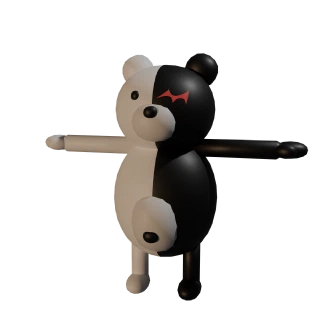
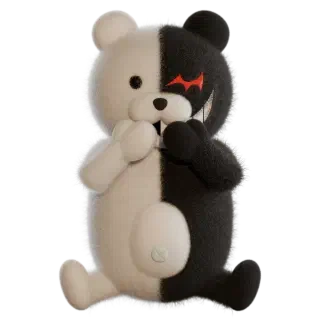
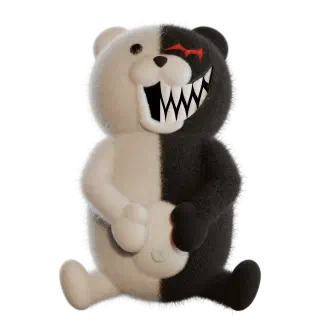
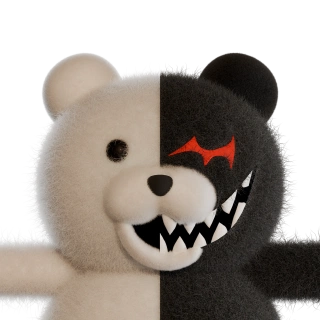
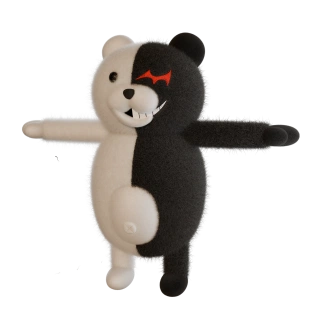
モノクマ · Monokuma should not need any introduction, but if you must, you can find it here: https://danganronpa.fandom.com/wiki/Monokuma
I like this character a lot. Maybe that's why I have so many figurines of him in my home. I want to use it as a base of work to further learn Blender, and of course play a little. Maybe I'll be able to do some cool animated stuff with him.
As I want to learn and master fur in Blender, I will of course give him real fur. As real as I can succeed in doing.
Did I spend the last 4h modeling a neon with ceiling fixture and parametrable Light strength, color temperature, and on/off switch ?
I have a fairly good Monokuma now. What do you think?
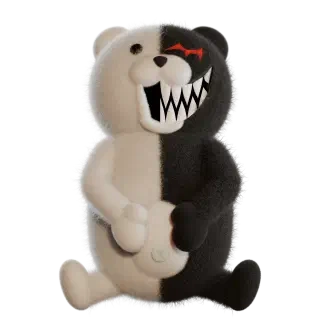
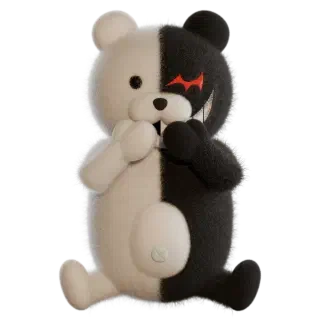
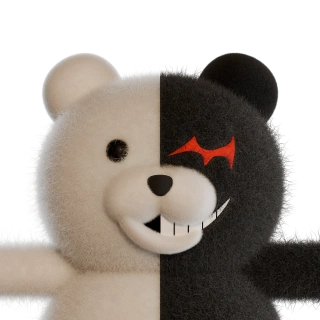
I fixed the hair colors in the middle. The straight hard black&white separation was unnatural. Now, each hair has a color based on its root. And they kinda mix in the middle following their random positioning.
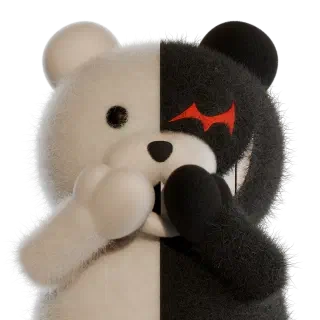
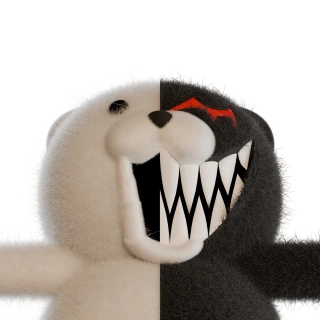
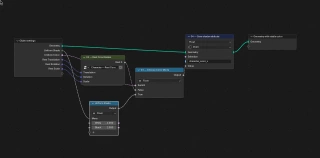
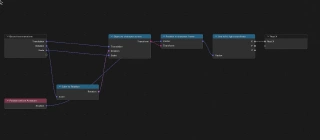
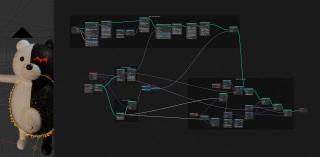
I have unified the shaders for the skin AND the hairs, so only one remains of each. The shader is associated with a geometry node that "records" each point in the rest position to define if it's black or white. Then this is used by the shader to use the proper "color". But as it is in the shader, I can tweak anything I want based on that. Had a bit of help from Codex for the routing and all, so not solo work here, but I think I grasped the whole shenanigan.
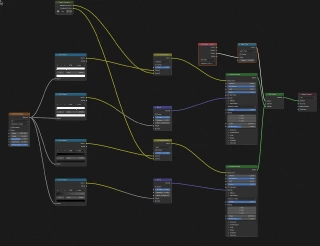
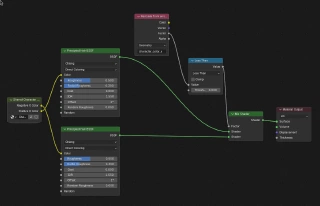
And finally, I re-used the scripts I had for Kitu to generate thumbnails for all poses I made for Monokuma. I do not know if they have names. I will do some digging for that later. Now they do, but I'm not especially proud of what I came up with yet.
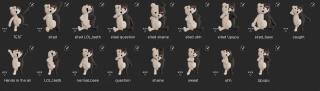
Upupu
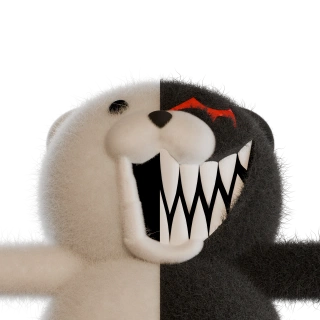
I may not have enough geometry on the lower part of the mouth. And the mouth projection is falling apart. I will have to redo it :-/
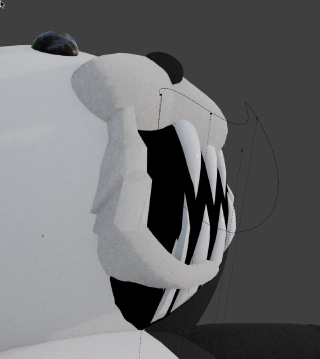
Monokuma starts to become a bonefull creature. No claw yet tho. But he now has a bicolor tail.
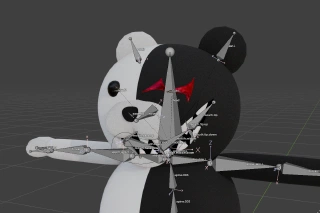
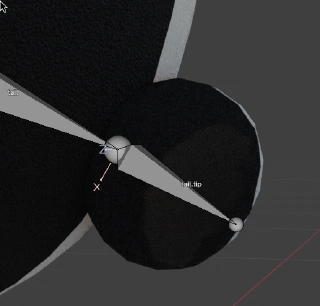
🐻🖤🤍 Cute? Creepy? Why choose? Monokuma is ready for rigging. Let the chaos begin 😁 #blender
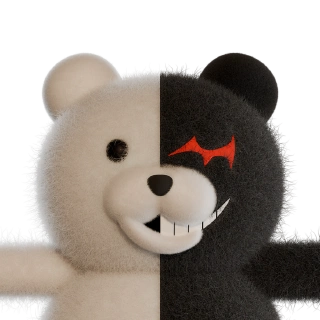
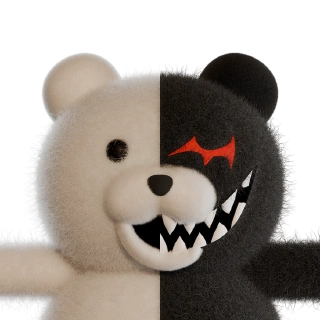
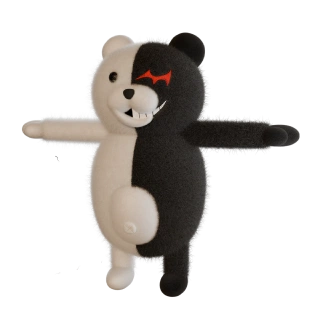
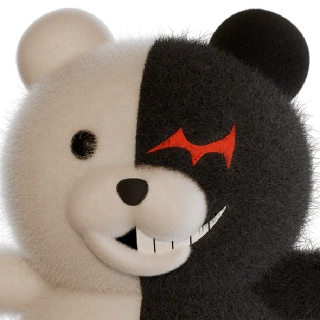
Naughty is coming #monokuma #blender
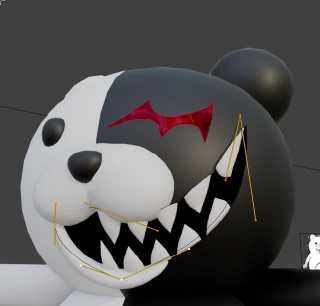
The shader does not work in the view-port of #blender, so #monokuma is all white while I'm working on him 😂
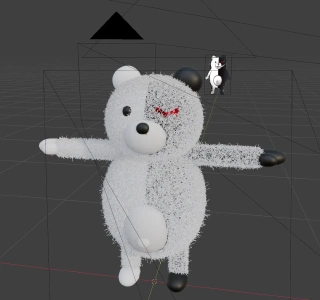
All that fur with one Geometry node. I reuse what I did for Kitu, but better integrated this time. Lots to learn still #blender #monokuma
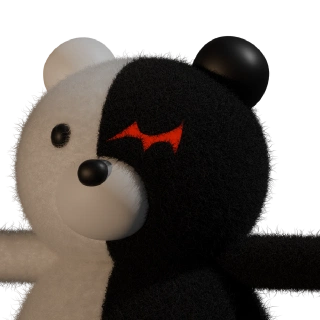
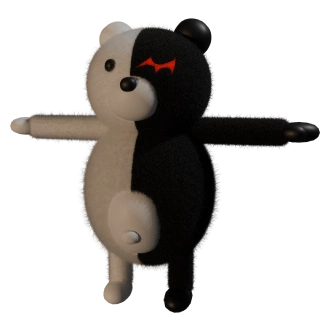
New toy project. I think you know him already. Still learning blender. I will try to give him fur, real fur. Wish me luck. #blender #monokuma